
Nectir AI Access Now Available
This project builds on last year’s successful pilot, where over 260 instructors across the California Community Colleges network used Nectir AI in their classrooms. Faculty and students reported overwhelmingly positive results, including significant gains in student learning outcomes.
Data from the pilot is being evaluated to better understand the adoption and impact on learning and teaching with Nectir AI.
There is no cost to the campus, instructor, or students for participation in the pilot.
How to Get Started
- 1
Request Access
Click the "Request Access" button and fill out the registration form to join.
- 2
Onboarding & Setup
You will receive a welcome email with an invitation to join your workspace along with resources and workshop opportunities to get started.
- 3
Start Using Nectir AI
Create and share your own AI Assistants.
- 4
Ongoing Support
Join the Nectir community and access resources for training and Q&A.
What is Nectir AI?
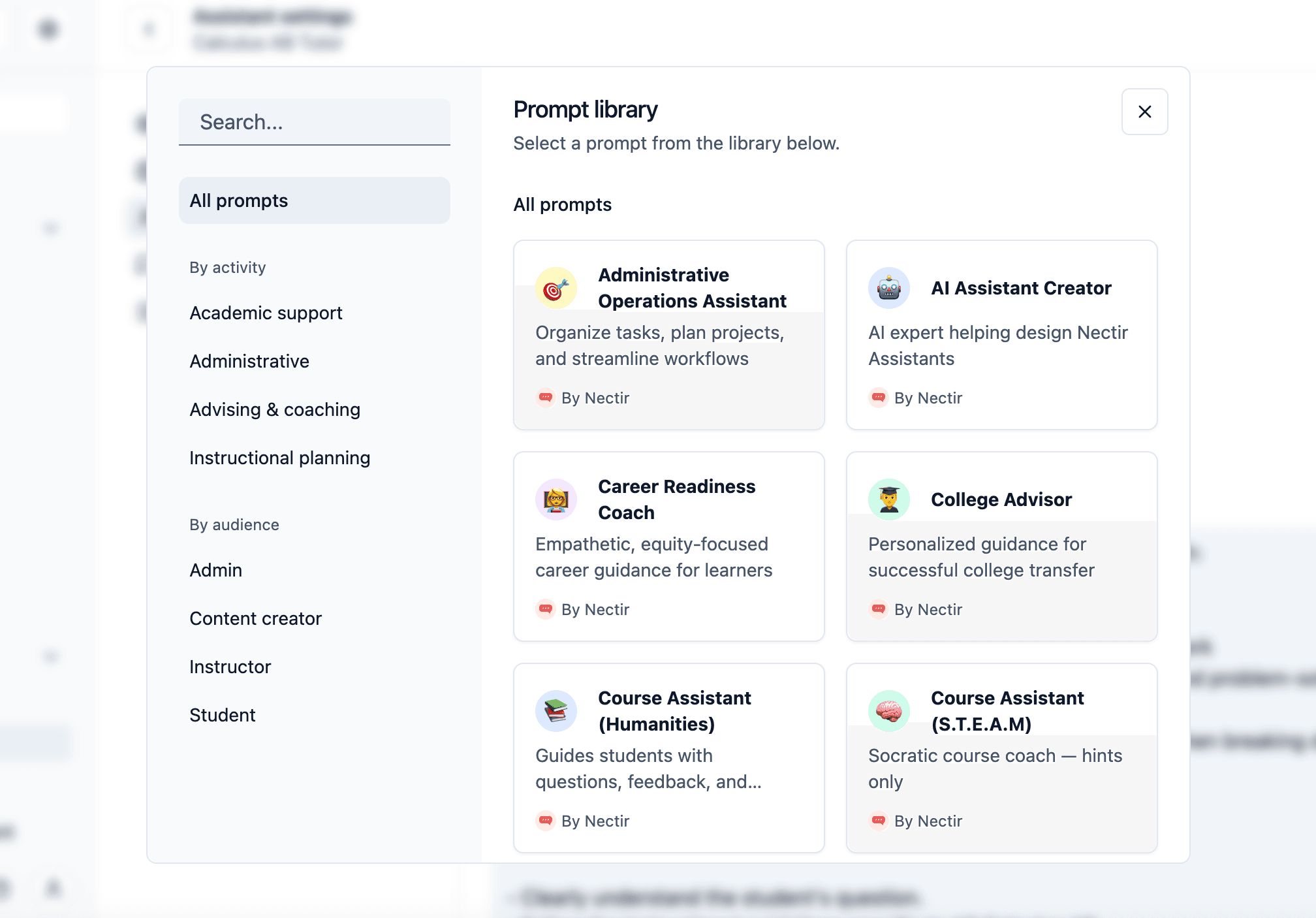
Nectir AI is a FERPA-compliant platform that lets you create personalized AI Assistants for your courses, programs, or departments.
Built on leading AI models
Nectir AI runs on top-tier AI models like GPT, Claude, and Gemini for reliable, cutting-edge performance.
Customized for your teaching
Each Assistant can be tailored to your syllabus, program content, and unique teaching style.
Always available to your community
Provides 24/7 support for students, faculty, and staff across your institution.
Features
What’s Included
Everything you need to launch, manage, and grow your own AI Assistants—complete with integrations, training, and dedicated educator support.
Unlimited AI Assistant Creation
Build as many custom AI Assistants as you need—for courses, departments, or personal use. Easily tailor each one to your goals and scale AI support across your institution.
Full LMS Integration
Connect Nectir directly to your LMS for a seamless experience. Canvas Admins and IT teams can contact support@nectir.io for quick setup instructions.
Comprehensive Support Center
Access clear guides, tutorials, and troubleshooting resources anytime. Get the help you need to build, launch, and manage your Assistants with confidence.
AI Literacy Resources and Best Practices
Gain access to educator-focused AI literacy materials, templates, and guides. Learn how to use AI responsibly and effectively in your classroom or program.
Training and Ongoing Support
Receive hands-on onboarding and continuous training from our team. We’ll help your staff stay confident and current with the latest Nectir updates.
Monthly Educator Feedback Sessions
Join the Nectir community to share insights and shape the platform’s future. Connect with peers and discover new ways to enhance teaching with AI.
News
See Nectir in the News
Nectir
California Community Colleges Launches Groundbreaking Pilot with Nectir AI
California Community Colleges are partnering with Nectir AI in a landmark pilot bringing AI to all 118 campuses from Fall 2024 to Spring 2025.
Read post: California Community Colleges Launches Groundbreaking Pilot with Nectir AI

Axios
Exclusive: AI tutors coming to California Community Colleges
California Community Colleges (CCC) is partnering with AI company Nectir to launch an AI learning assistant for its 2.1 million students, Axios has learned.
Read post: Exclusive: AI tutors coming to California Community Colleges
EdSource
California community colleges to launch artificial intelligence tutors
California community colleges are launching a free AI learning assistant for staff and students in partnership with the AI company Nectir.
Read post: California community colleges to launch artificial intelligence tutors